 Maestro Docs
Events
Register for events, RSVP, join them, and cancel if you can't make it.
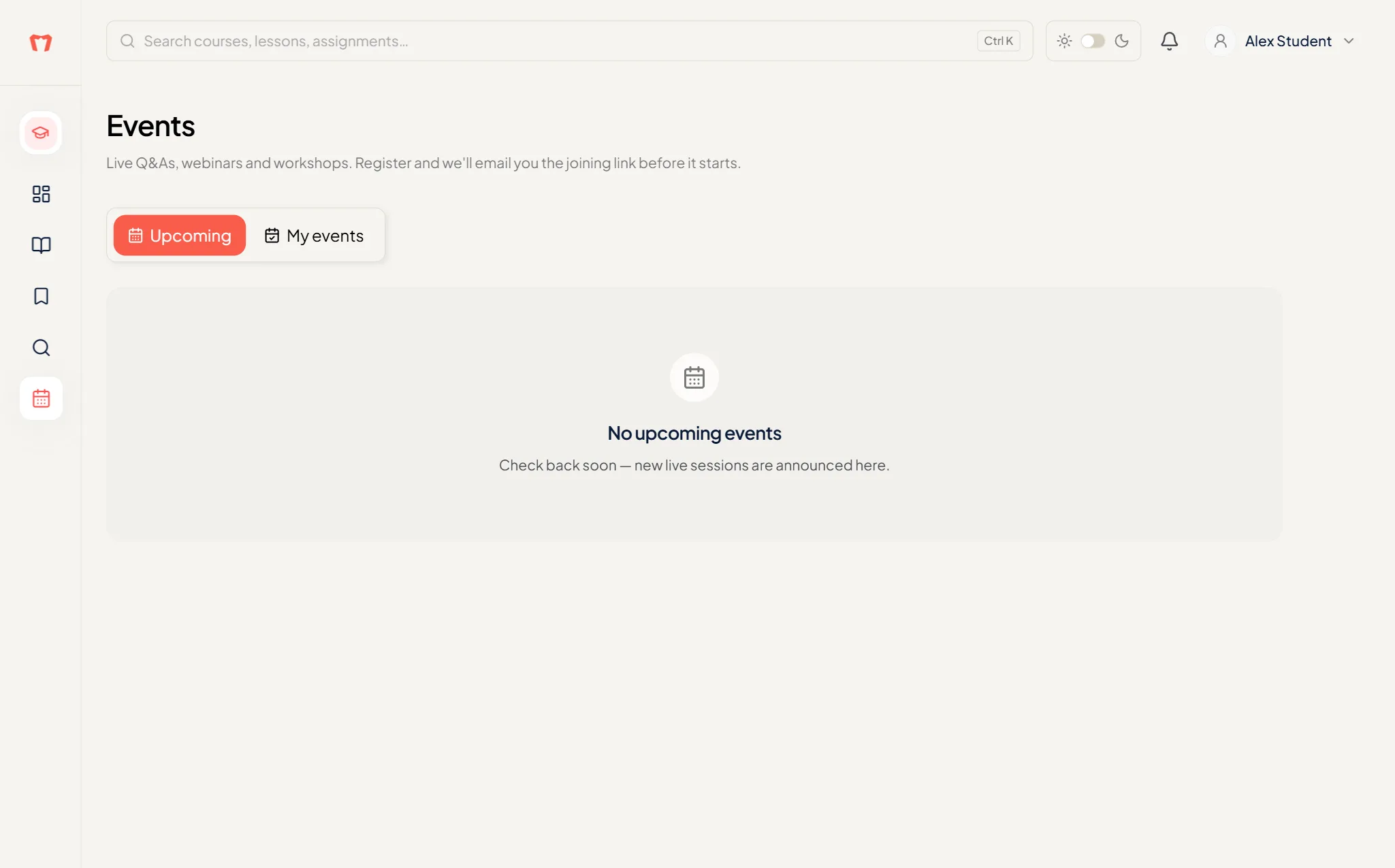
Open Events in the sidebar. The Upcoming tab lists what is coming, and My events shows the ones you registered for. If you haven't registered for any, you'll see "You haven't registered for any events" and a Browse events button.
Register
Open an event to read About this event. Event cards show seats and registration deadlines. Then:
- Free event: press Register for free.
- Paid event: press Register · and the price. You pay through checkout and get a receipt by email.
RSVP and joining
Some events need an RSVP after you register. You'll see "RSVP to receive the joining link" and an RSVP now button. The joining link is emailed to you before the event starts, and the page shows Join the session once it's live.
Use the add to calendar links (Google Calendar or a downloadable .ics file) so you don't miss it.
If an event is full
Press Notify me when a seat opens. We email you if a place frees up. You can also use Message the organiser.
Cancel
Press Cancel registration. It's available until the joining link is published. A cancelled paid registration is not refunded automatically, so contact support if you need a refund.