 Maestro Docs
Courses
Find a course, enrol, and understand prerequisites and path-only courses.
A course is a set of lessons, sometimes with assignments and assessments, that you take at your own pace.
Find a course
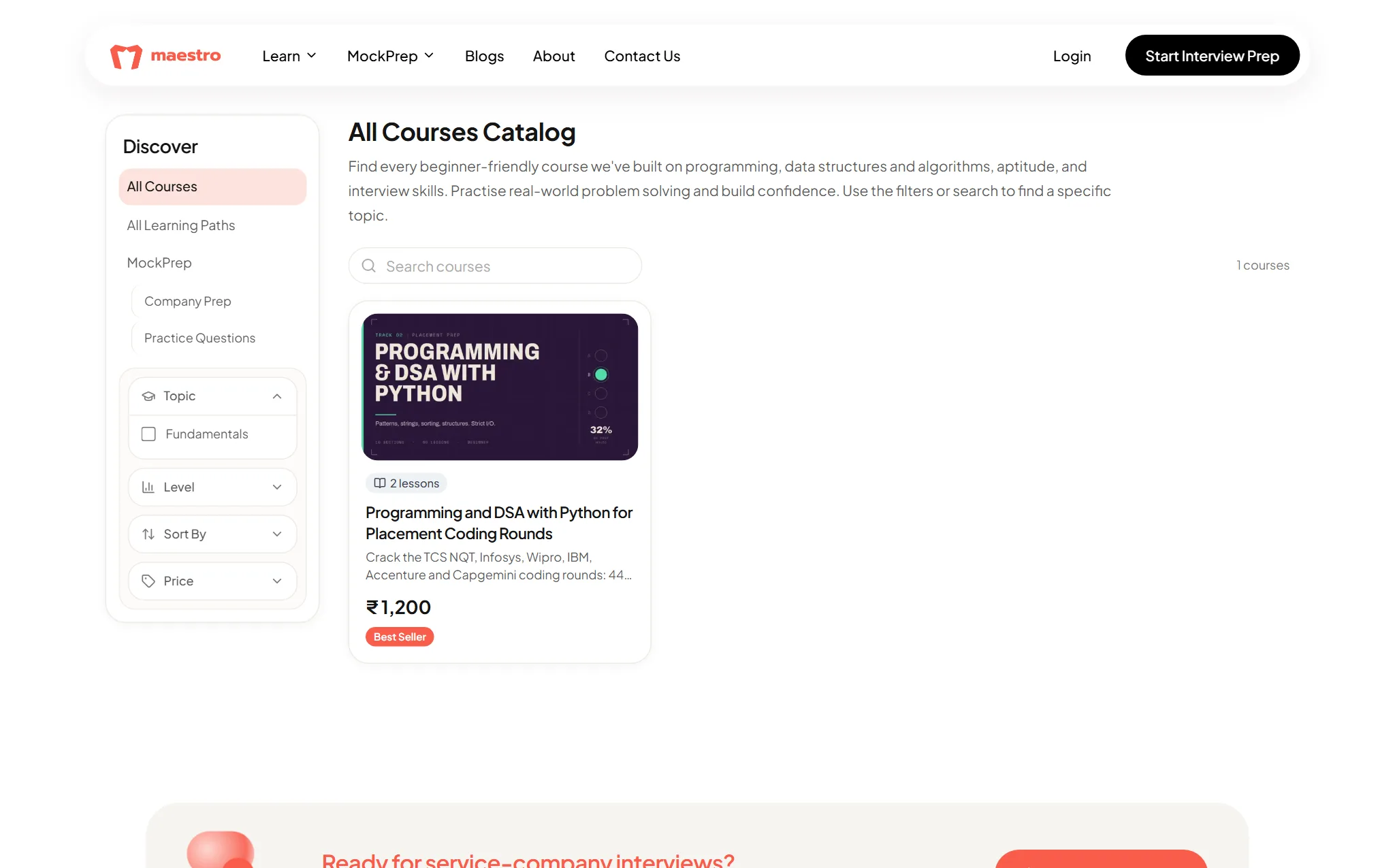
Open Explore and choose Courses. You can search by topic and filter by level or price. Every course page shows its lessons, sections and hours of content.
Enrol
On a course page, the purchase card tells you what to do:
- Free course: press Start for free.
- Paid course: it shows Buy Individual Course. Press Buy Now and pay through the checkout. Prices are in INR, and you get a receipt by email.
When it works you'll see "You're enrolled! Start learning." The card then shows Your progress and a button: Start learning, Continue learning, or Review course at 100%.
Want to look first? Lessons marked as previews open without enrolling, with Preview this course.
Prerequisites
Some courses need you to pass an assessment first. If you try to enrol or open one, a Prerequisite required window explains this. Press Take assessment (or Retake assessment) and come back when you've passed. If that assessment is paid, the window offers the purchase.
Path-only courses
A few courses are only available inside a learning path, so you can't buy them on their own. Open the path instead.