 Maestro Docs
Start here
Get help
Use the help centre first, then contact support if you are still stuck.
Help centre
The help centre has searchable articles grouped into categories. Start there: most questions are already answered.
Open the help centreContact support
If the help centre doesn't answer your question, use the Still need help? box at the bottom and press Contact support. (My requests is right beside it.) Fill in the New request form:
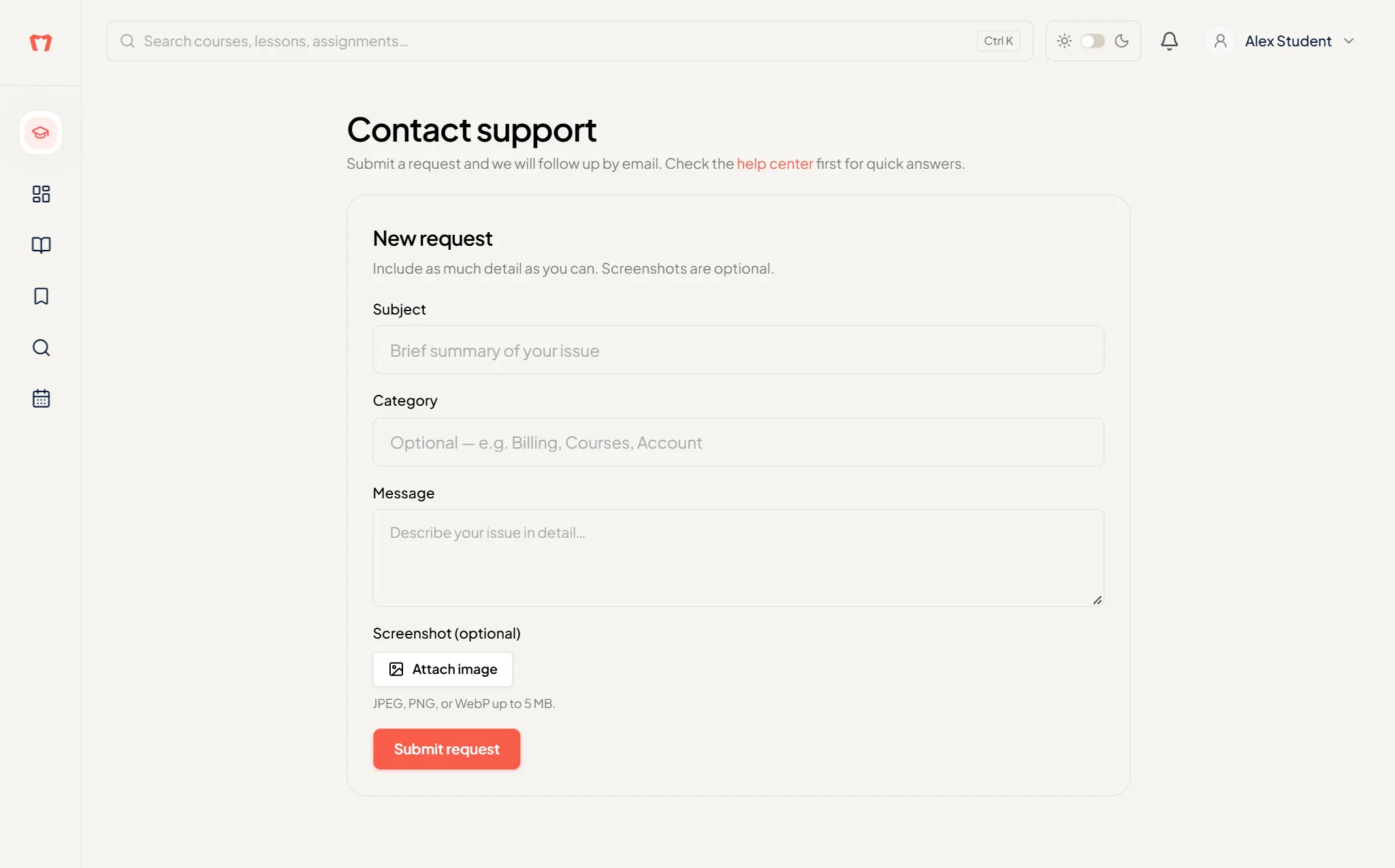
- Subject (at least 5 characters)
- Category (optional)
- Message (at least 10 characters). Say what you were doing and what happened.
- Screenshot (optional): press Attach image. JPEG, PNG or WebP up to 5 MB. A screenshot helps a lot.
Then press Submit request.
The team follows up by email. Your past requests are listed under My requests, each with its date.