 Maestro Docs
Sim Lab
Instruments
The multimeter, function generator, power supply and Bode plot.
Open Instruments in the dock. They work like bench tools. They are not saved in your circuit and are not part of your answer in a test.
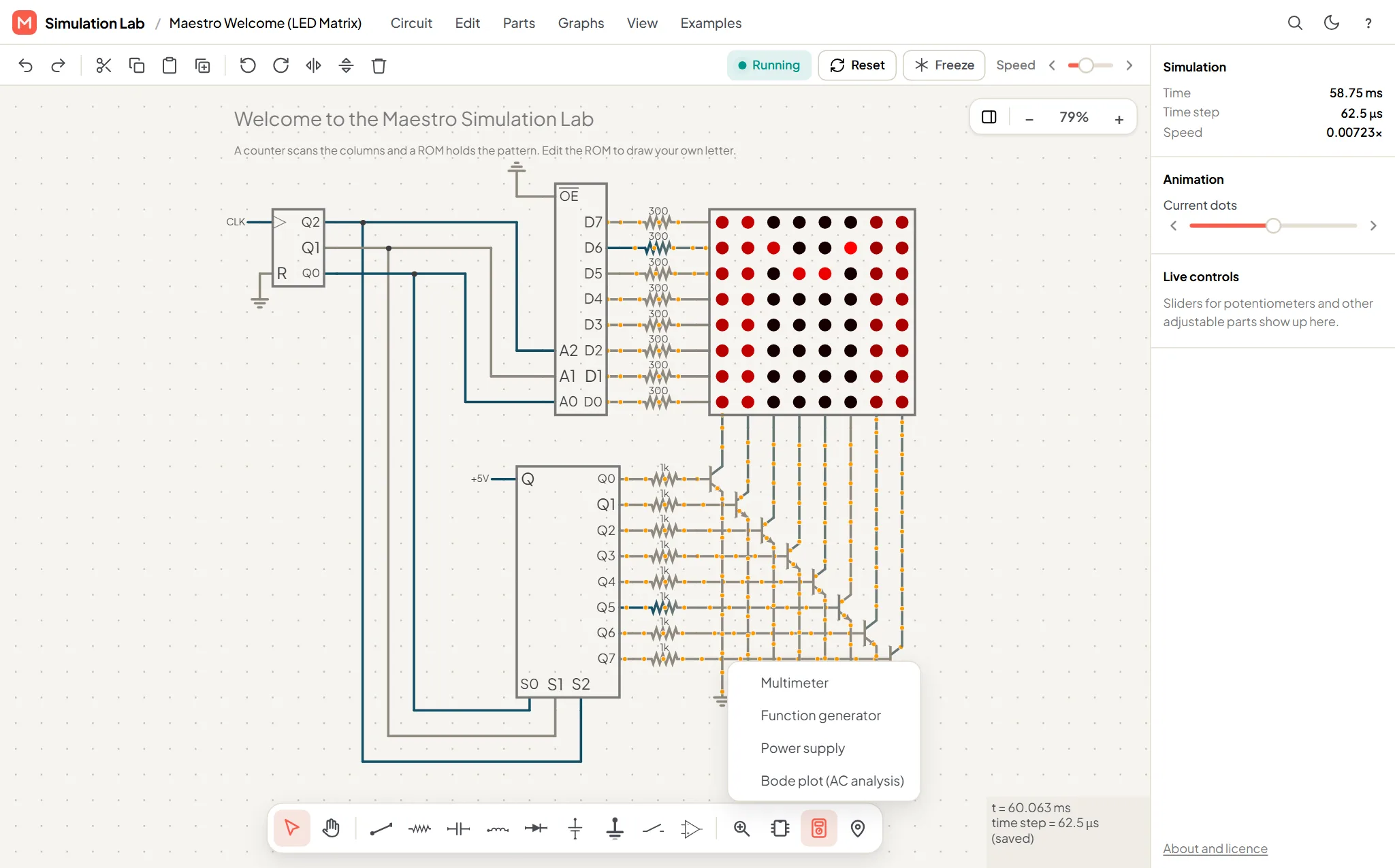
Multimeter
- Measures DC volts, AC volts (RMS), DC amps (clamp), AC amps (clamp, RMS) and Resistance of one part.
- It has red and black probe tips. Touch them to the points you want to measure.
- For current, use Clamp a part around a part.
- It works on parts that are locked in a question.
AC readings average over whole cycles, so they can take a few seconds to settle in a slow simulation.
Function generator
- Waveforms: Sine, Square, Triangle and Sawtooth.
- 50 Ω output.
- Frequency from 0.01 Hz to 1 MHz, 0 to 40 V peak-to-peak, and an offset of ±20 V.
- Press Output on to start it. It shows Output off when stopped.
Power supply
A DC supply with constant voltage (CV) and constant current (CC) modes. The voltage goes from 0.01 to 30 V and the current limit from 1 mA to 3 A. Press Output on to start it.
Bode plot
Plots gain in dB and phase against frequency, with −3 dB markers. Press Run sweep to draw it. The first sweep loads the analysis engine, so it takes longer than later ones. Copy SPICE netlist copies your circuit as a netlist.