 Maestro Docs
Start here
Account and settings
Update your profile, find receipts, link sign-in accounts and manage your data.
Open the avatar menu at the top right and choose My Profile (or Account & Security). The account page has four tabs.
Profile
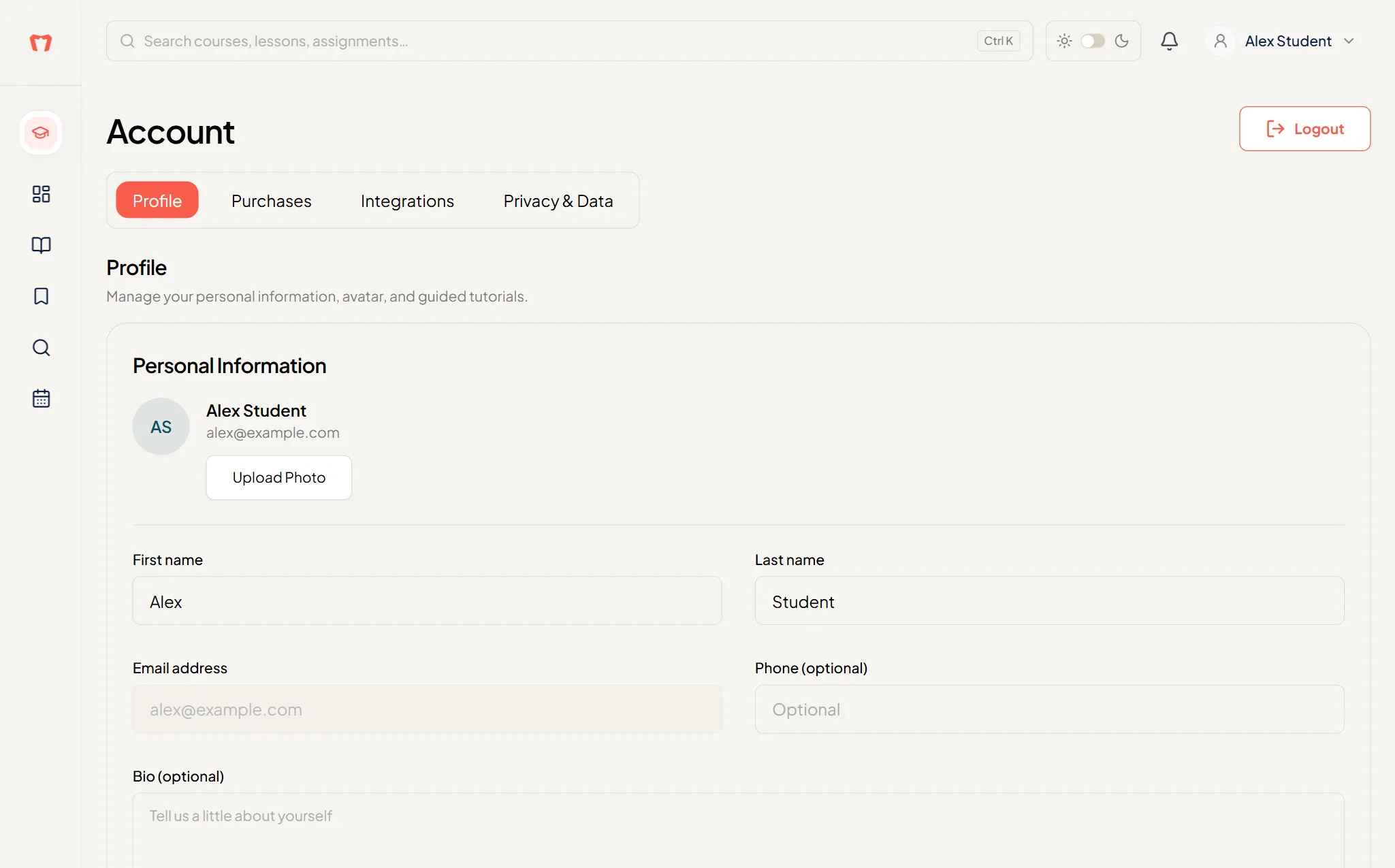
Edit your First name, Last name, Email address, Phone (optional) and Bio (optional) (up to 500 characters), and upload an avatar.
Guided tutorials is here too. Replay any product tour you skipped.
Purchases
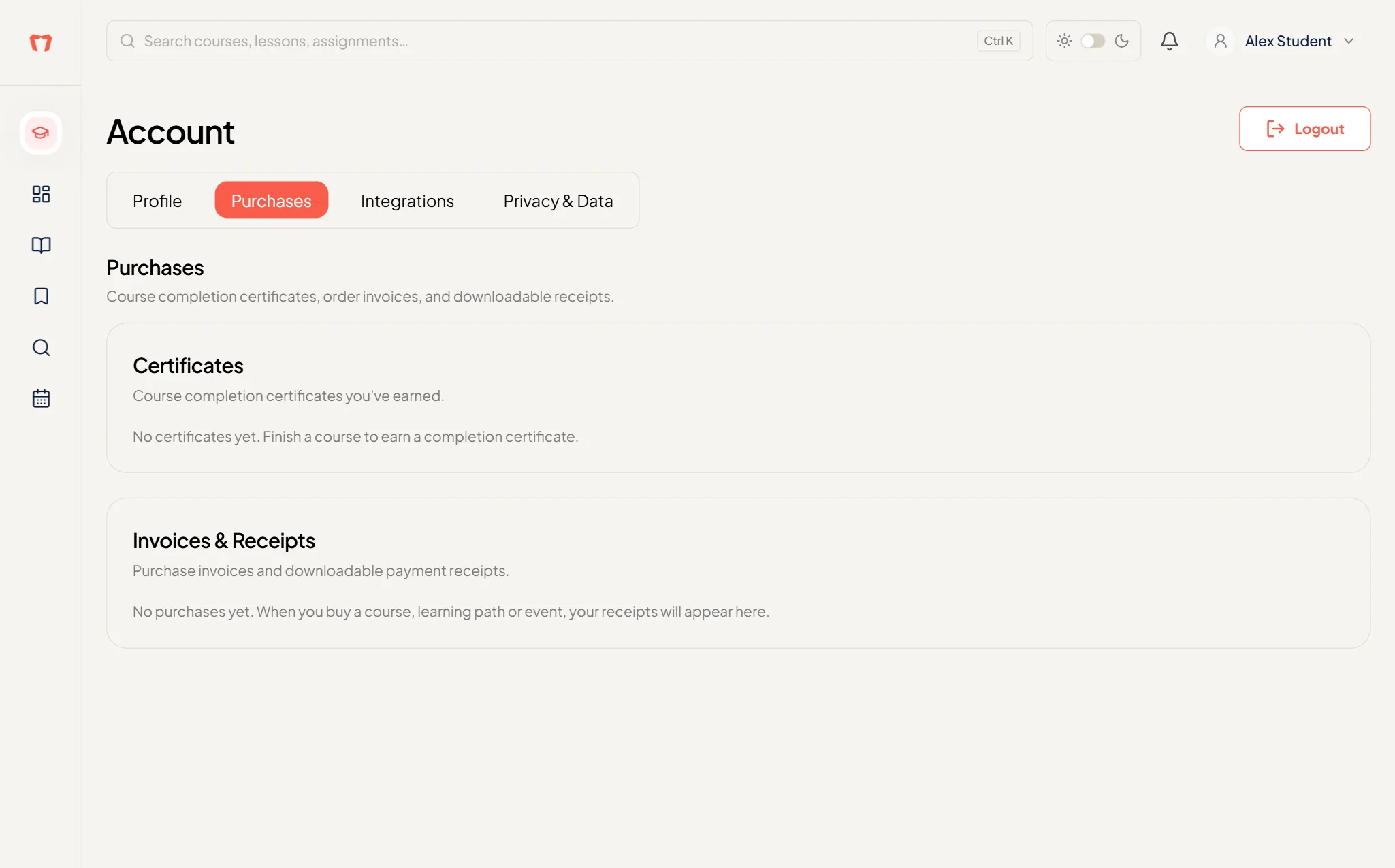
Two lists: Certificates (course completion certificates you've earned) and Invoices & Receipts (downloadable payment receipts). You can also reach this from Certificates & Receipts in the avatar menu.
Integrations
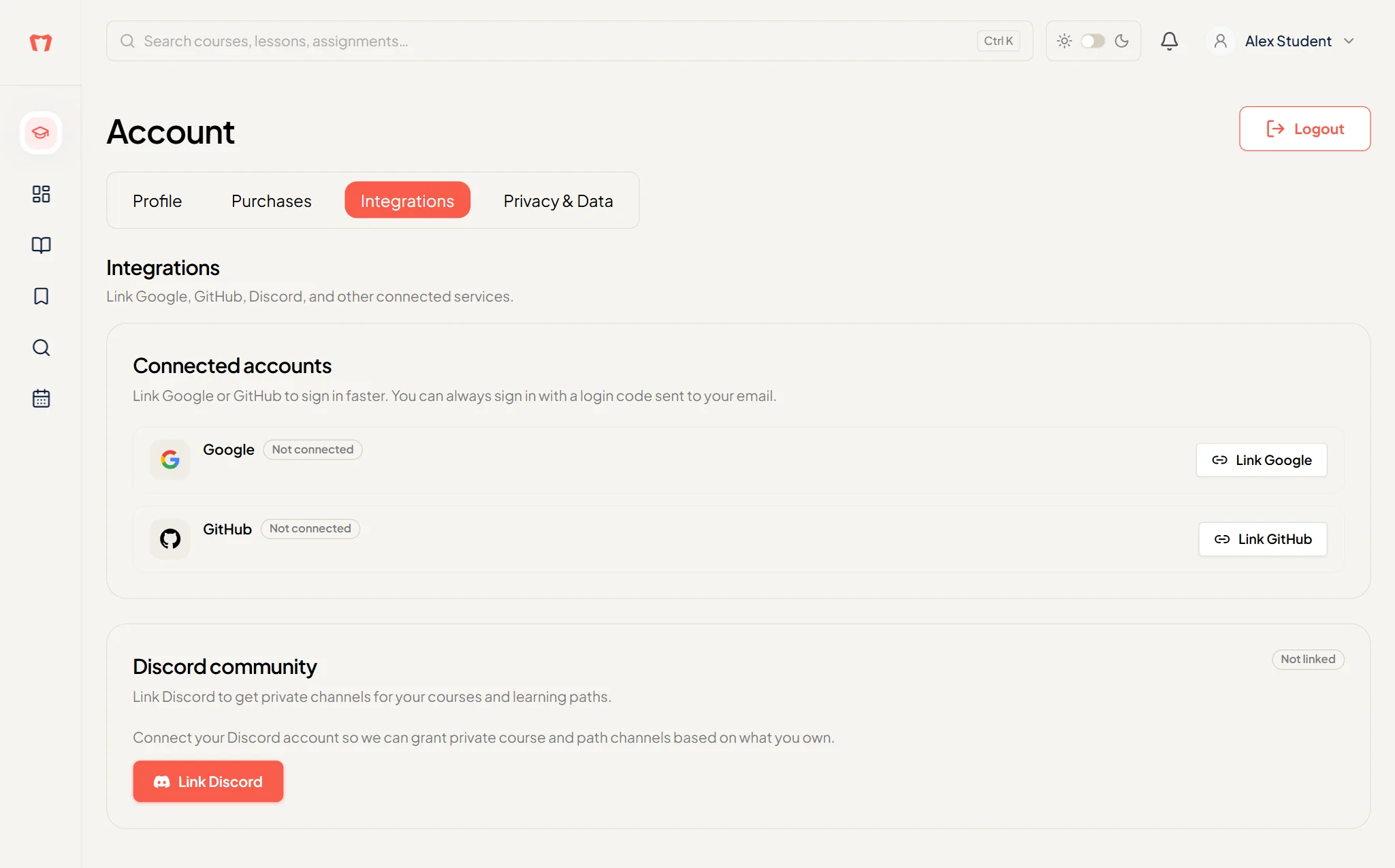
- Connected accounts: press Link Google or Link GitHub to sign in faster. You can always sign in with a login code.
- Discord community: press Link Discord to get private channels for your courses and learning paths.
Privacy and data
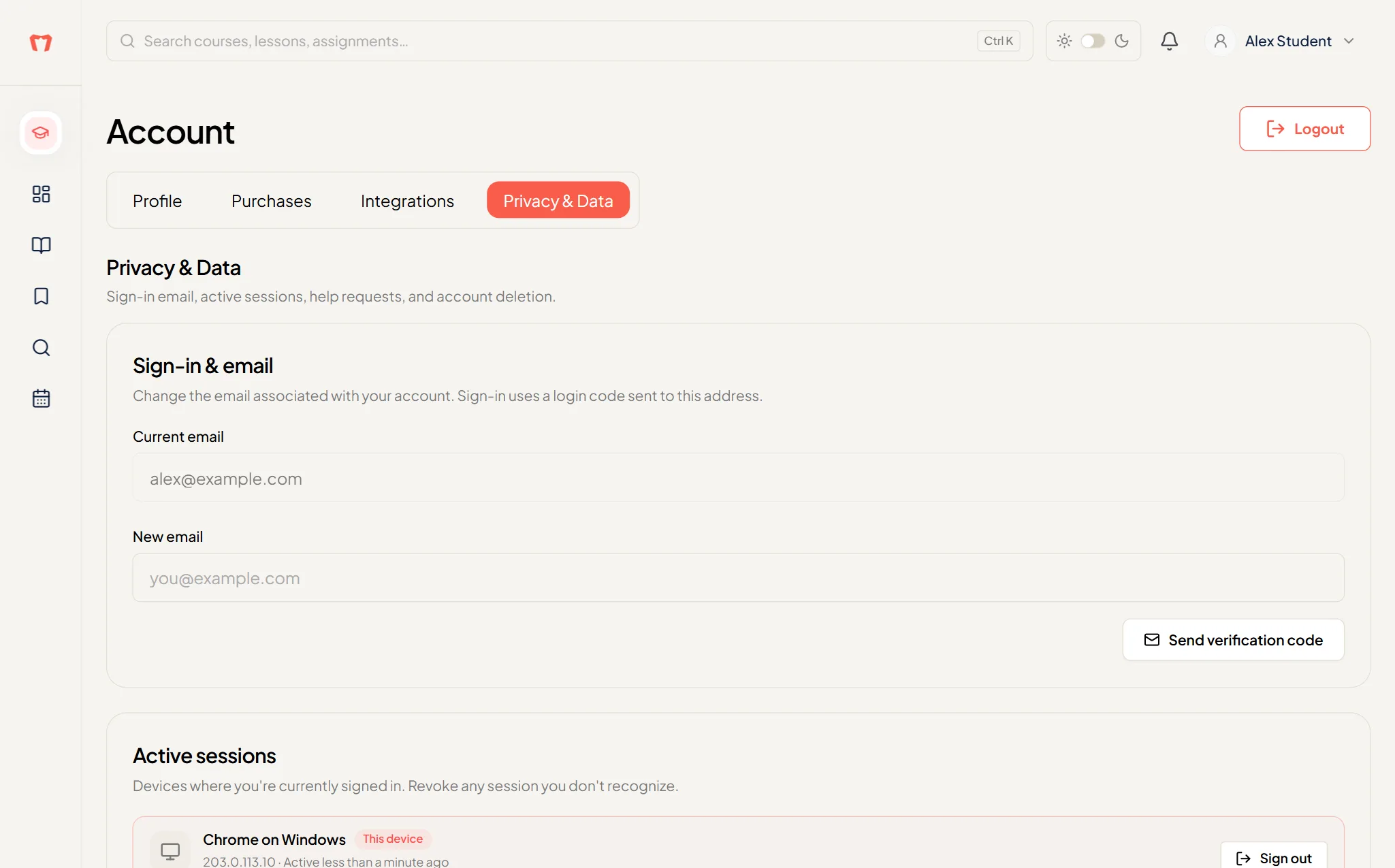
- Your sign-in email and whether it is verified.
- Active sessions: see where you are logged in, and sign out of other devices.
- Help & Support: press Open help center.
- Delete account: permanent. You have to type DELETE to confirm, and we can't bring an account back.