 Maestro Docs
Create your account
Sign up, verify your email and log in. There are no passwords to remember.
Maestro uses login codes instead of passwords. Each time you log in, we email you a 6-digit code.
Sign up
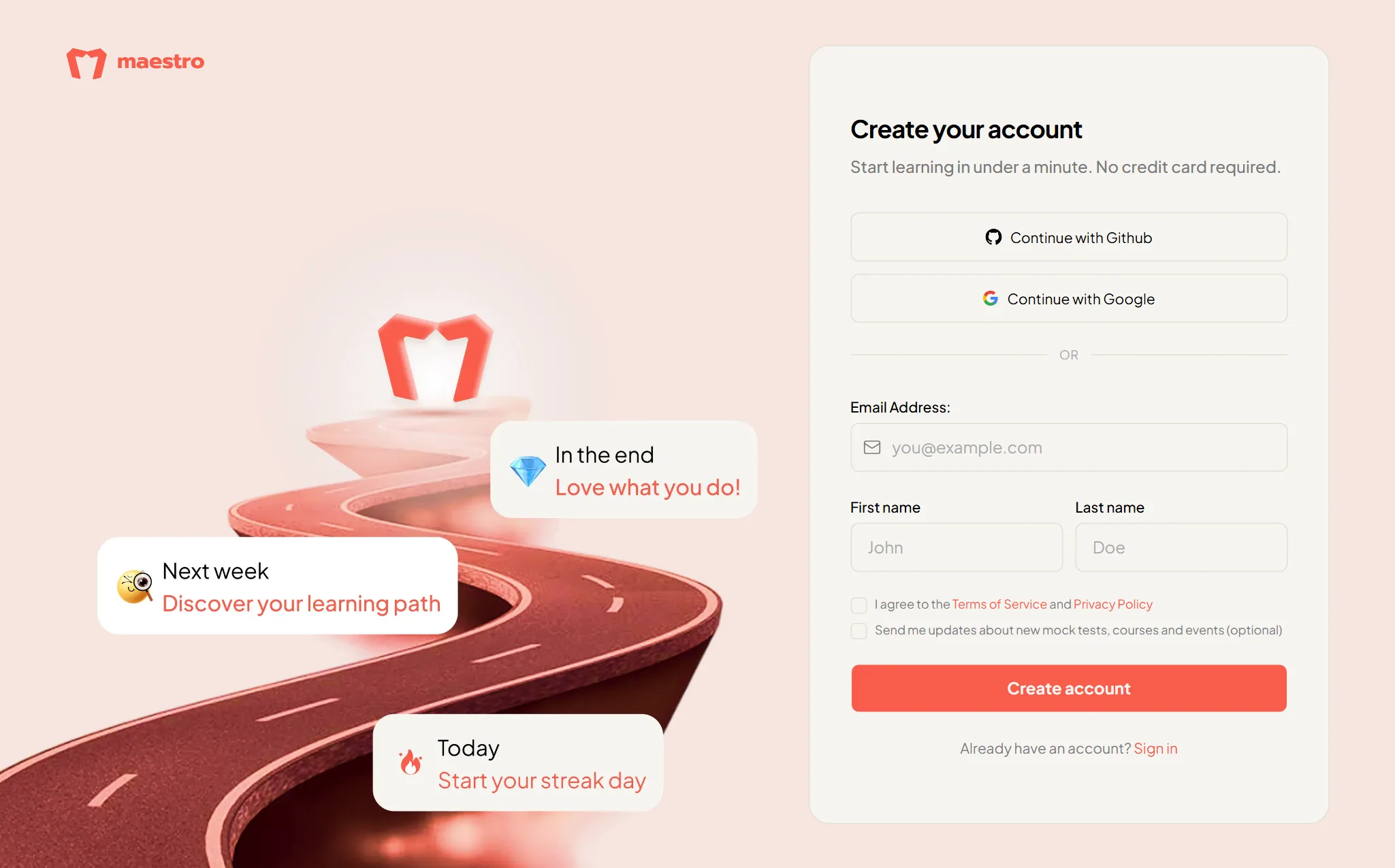
Check your inbox for the 6-digit code, type it into the Verification code box, and you're in. If it hasn't arrived, press Resend (you can ask again after 60 seconds).
Prefer one click? Use Continue with Google or Continue with Github. On the sign-up page, tick the terms box first.
Log in
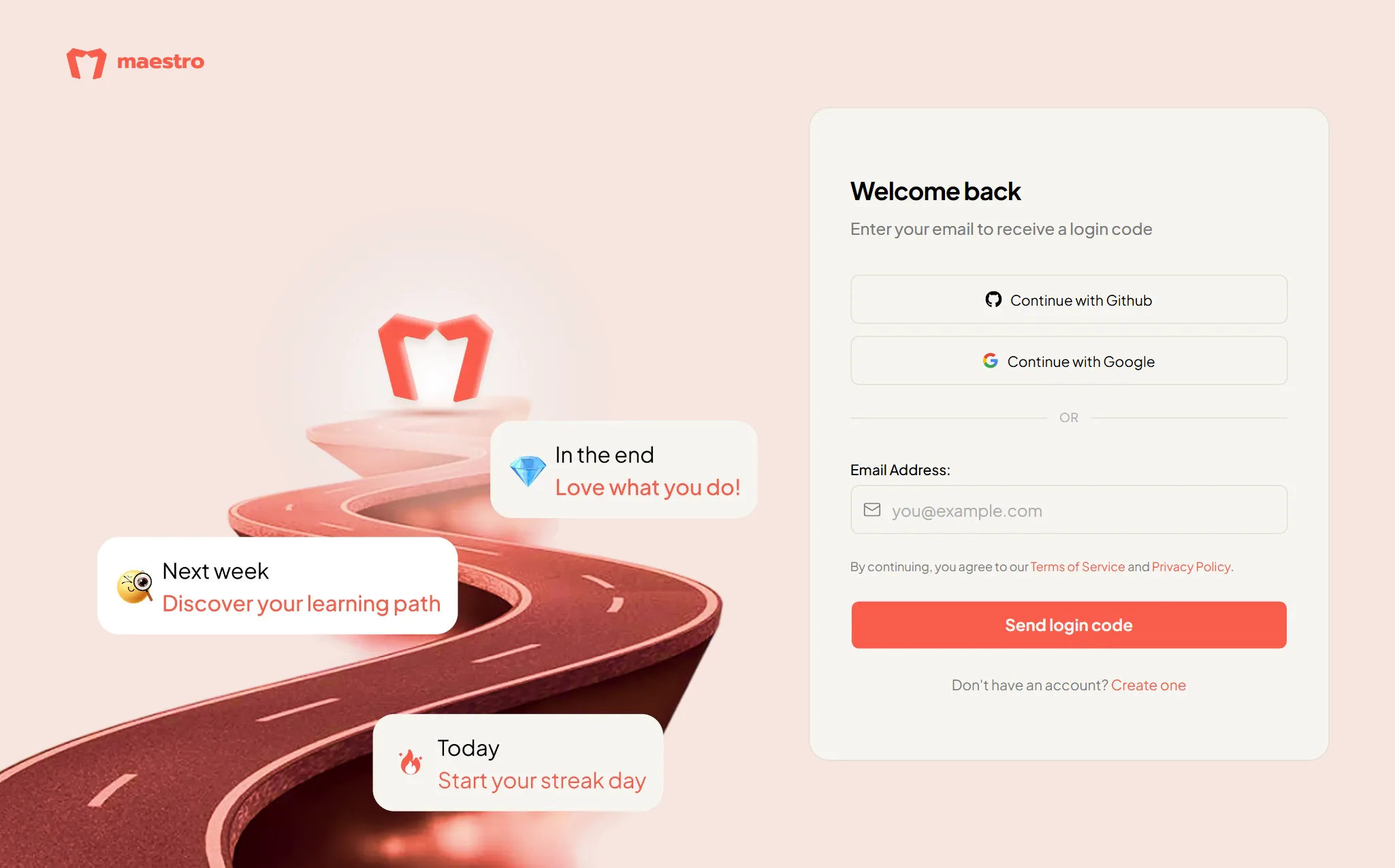
If your college invited you
Open the invite link your college sent. The page shows which email the invite was sent to; sign in with that email. If you already use a different personal email on Maestro, sign in with that one and open My college to claim the invite.
Your first login
The first time you arrive, a Welcome window offers a short guided tour. Press Let's go to take it, or Skip for now. You can replay the tours later from the Profile tab of your account.